

A vibrating dildo that turns off by itself can be frustrating, but the shutoff does not always mean it is broken. Some models have an inactivity timer; others may be low on charge, locked, affected by a remote or app setting, or developing an electrical fault. The timing and pattern of the shutdown are useful clues.
Quick answer: If your dildo switches off at nearly the same interval each time, check its manual for an automatic shutoff or sleep setting. If the timing is random, the indicator is weak, or the controls behave differently than usual, check the charge and model-specific controls. Stop using or charging it if it becomes unusually hot, smells burnt, swells, or has a damaged port.
Use the shutdown pattern as your first clue
Before pressing buttons or reconnecting a charger, note what happens immediately before the dildo switches off. A shutdown after a predictable interval points to a different check than one that happens when the cable moves or the controls are touched.
| What you notice | First thing to check | What it may suggest |
|---|---|---|
| It stops after almost the same amount of time | Manual, app settings, inactivity timer | An automatic shutoff or sleep feature |
| It fades, pulses unevenly, or will not restart | Battery indicator and approved charging method | Low charge or a charging connection problem |
| It turns off when your hand touches the base | Button placement, control lock, grip and mode | An accidental button press or control setting |
| It stops when a remote or app disconnects | Pairing, range, app settings and remote battery | A control or connection issue |
| It stops at random and feels hot or smells unusual | Stop and inspect from the outside | A fault that needs manufacturer guidance |
These patterns are clues, not a diagnosis. A status light may mean something different on different models, so compare it with the instructions for your exact dildo.
1. The dildo may have an automatic shutoff timer
Some powered dildos are designed to switch off after a set period. It can be a normal feature intended to conserve battery or prevent a motor from running indefinitely. If the dildo turns off at a consistent interval—even when it is fully charged—that is a stronger clue than a single unexpected stop.
The timer is model-specific. For example, LELO lists an automatic 20-minute shutoff for its TIANI Twist, while the product’s manual describes an app setting that can adjust automatic power-off between 10 and 20 minutes. That example does not establish a standard for other dildos; the manual for your model takes priority. See the LELO TIANI Twist specifications and its user manual.
Look for wording such as “auto-off,” “sleep mode,” “inactivity timer,” or “power-saving mode.” A timer may start after the last button press, after the app disconnects, or after a preset run time. If your manual offers an app setting, review it while the dildo is switched off and follow the manufacturer’s pairing steps.
2. Low battery can look like a random power problem
A battery that is nearly empty may not behave like a simple on/off switch. Depending on the design, the vibration may weaken, the indicator may change, the dildo may stop during a stronger setting, or it may fail to restart until it has been charged. These symptoms vary, so do not rely on one light color or vibration pattern unless the instructions explain what it means.
Use the charging cable or battery type specified for the exact model. A connector that appears to fit is not proof that the charger has the correct contacts or electrical requirements. Our dildo charger types guide explains how magnetic, pin, USB-C, and replaceable-battery designs differ.
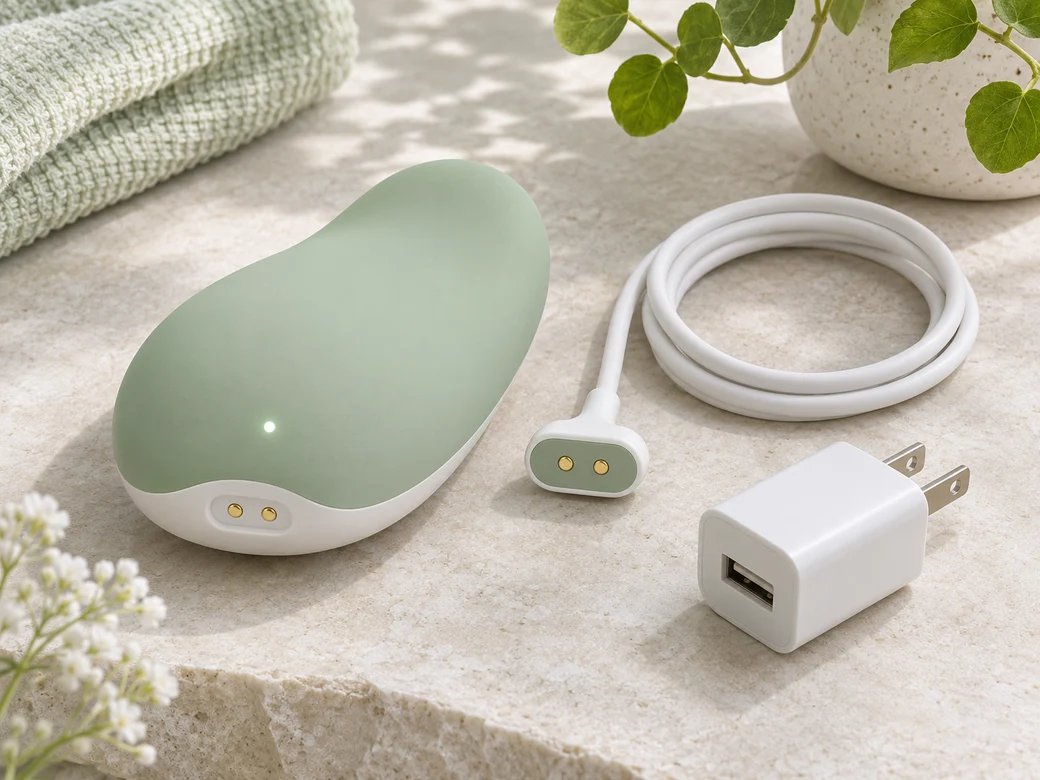
Charge it on a dry, stable surface and check the instructions for the expected charge time and indicator. Do not bend the cable, scrape the contacts, or keep shifting a connector that only works at an angle. If the port or contacts look damaged, stop and ask the manufacturer before trying another cable.
Some manufacturers specifically say not to use their powered products while charging. For instance, Lovense gives that instruction for its Solace Pro. That is model-specific guidance, not a universal rule for every dildo, so check the manual rather than assuming it is safe to operate while plugged in.
3. A control lock or button press may be switching it off
Compact controls can sit close to the area where you naturally hold the base. A tighter grip, a change in position, or pressure from a blanket can press the power button without you noticing. If the dildo turns off when you adjust your hand, test whether the button is being covered or held down.
Some models also have a travel lock or a button combination that changes between standby and fully off. The controls may require a longer press to switch on, or a separate sequence to unlock them. Follow the exact steps in the manual; button combinations are not interchangeable across brands. Avoid rapidly pressing every button in an attempt to reset the dildo.
4. App or remote control may be interrupting the session
If your dildo is controlled by a remote or phone app, the apparent shutoff may start with the control rather than the motor. A disconnected remote, low remote battery, app timer, lost Bluetooth connection, or a setting that ends a pattern can interrupt output. The dildo may also remain in standby rather than being fully off.
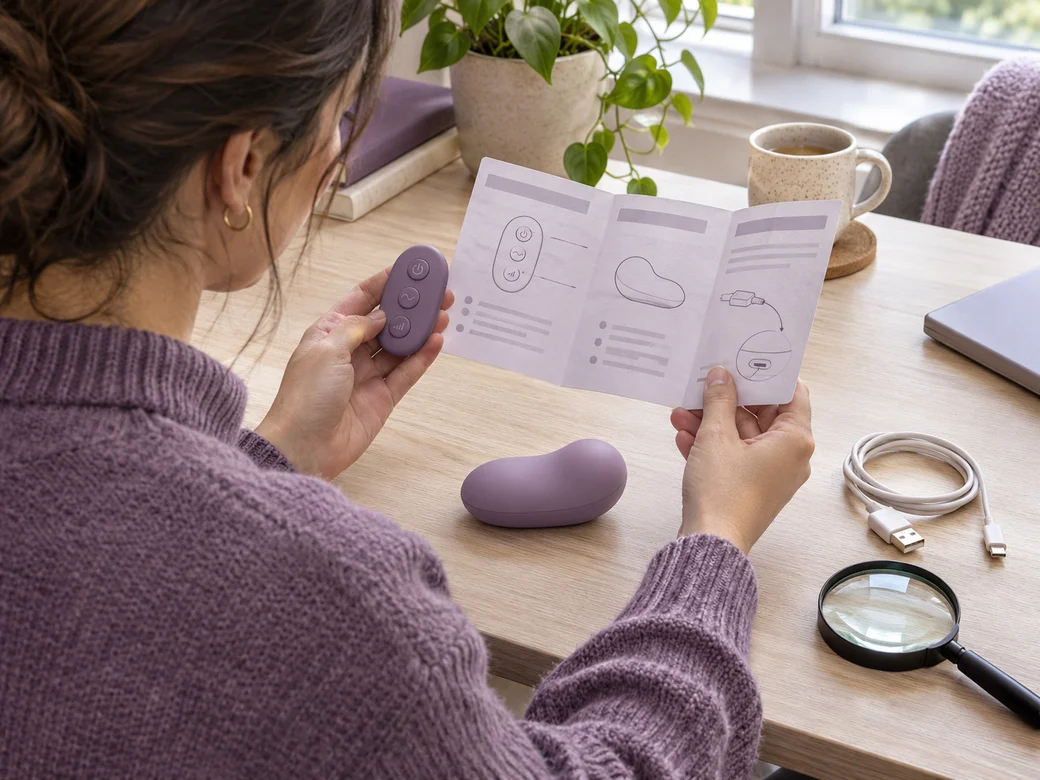
Try the maker’s pairing instructions with the dildo charged and the remote nearby. Check whether the app has a timer, scheduled stop, or sleep setting. If the model can also be controlled directly on its base, use the direct control only if the manual permits it; this can help distinguish a remote issue from a power issue.
5. A charging contact or internal fault needs a different response
A dildo that powers off unpredictably after charging can have a worn cable, dirty or misaligned contact, damaged port, failing battery, or another internal issue. You cannot confirm which one by repeatedly restarting it. Look for external warning signs: a loose charging port, cracked housing, exposed wiring, swelling, unusual heat, liquid near an electrical opening, or a burnt or chemical odor.
Stop using and charging it if the dildo becomes unusually hot, swells, smells burnt, leaks, or has visible electrical damage. Disconnect power if it is safe to do so. Do not open the housing, puncture the battery area, or try a household repair.
If the dildo is new or still covered by a warranty, take photos of the model label, charging connection, and any visible damage, then contact the retailer or manufacturer. Keep the order record and follow their instructions before cleaning, modifying, or mailing it. Our dildo warranty guide explains what terms and records to check; the dildo repair guide covers problems that should not be fixed with glue or disassembly.
A safe troubleshooting sequence
Work through one check at a time so you can tell what changes the behavior.
- Pause and note the timing. Record whether it shuts off after a regular interval, during a mode change, after a remote disconnect, or when the base is touched.
- Check the manual. Search for auto-off, sleep, travel lock, battery indicators, charging time, and operating instructions.
- Switch it off and let it cool. If it feels hotter than usual, smells odd, or has visible damage, do not restart it.
- Charge only as directed. Use the matching cable or specified batteries, and make sure the dildo and contacts are dry if the instructions require that.
- Check the controls. Look for a covered button, control lock, timer, app setting, remote battery, or pairing issue.
- Test briefly only if the manual allows it. Use a low setting without pressure or resistance, and stop if the shutdown returns or anything feels abnormal.
- Contact support if the cause remains unclear. Give the maker the model, approximate run time, charge status, indicator behavior, and the steps you already tried.
If yours is a thrusting model and it stops specifically when it meets resistance, that is a different symptom from an ordinary vibrating dildo shutting off on a timer. See our guide to why a thrusting dildo stops under pressure for that mechanism-focused issue.
What not to do when a dildo shuts off
- Do not keep restarting a dildo that is unusually hot, swollen, leaking, or giving off an electrical smell.
- Do not use a random charger simply because its plug looks similar.
- Do not charge or rinse a wet dildo, charging port, or cable unless the maker’s instructions explicitly allow that setup.
- Do not open a sealed housing or attempt to replace an internal battery yourself.
- Do not assume every automatic shutoff happens at the same time or for the same reason.
- Do not use the dildo while charging unless the manual for that exact model says it is allowed.
When to contact the manufacturer or replace it
Contact the maker if the dildo keeps shutting off after a full, model-approved charge; the controls behave inconsistently; or the charger only works when held at a particular angle. Share the exact model and a short description of the pattern instead of guessing at the cause.
Stop using it and seek warranty or replacement guidance if the housing, port, battery compartment, or charging contacts are damaged. A new dildo that has never worked as described should be documented before you try to repair it. For a broader pre-use inspection, follow the new dildo checklist. If you decide to replace it, compare the controls, charging style, and stated run time in the full dildo selection rather than buying by appearance alone.
Frequently asked questions
Why does my vibrating dildo turn off after 20 minutes?
Some models have a built-in timer around that length, but 20 minutes is not a universal standard. Check the manual or app settings for your exact model. A predictable shutoff is more likely to be a timer than a random power fault, but the instructions are the deciding source.
Why does my dildo turn off even after charging?
It may not have completed a charge, the cable may not match the model, the charging contact may be unreliable, or the battery or electronics may need service. Confirm the indicator and charging method in the manual. Do not keep charging if the dildo becomes unusually hot or shows damage.
Can I use a dildo while it is plugged in?
Only if the manufacturer explicitly permits it for that model. Some powered products say not to use them while charging. Do not infer permission from the fact that the cable fits.
Could a remote make the dildo turn off?
It can interrupt vibration if the connection drops, an app timer ends, or the control changes modes. Recheck the pairing and timer instructions, then compare the behavior with the dildo’s own controls if the manual allows it.
Should I open the dildo to check the battery?
No. Most sealed rechargeable dildos are not intended to be opened by the user. Opening the housing can damage the battery, seal, or internal wiring and may affect warranty support. Ask the manufacturer about service or replacement instead.
Make the pattern do the troubleshooting
When a dildo turns off by itself, start with the simplest distinction: does it happen predictably, or at random? A repeatable interval points you toward the timer or app settings; a fading motor suggests checking the charge; button, remote, or connection changes point toward controls. Heat, swelling, odor, or visible damage means stop and contact the maker. The exact manual is the safest guide for charging and reset steps.